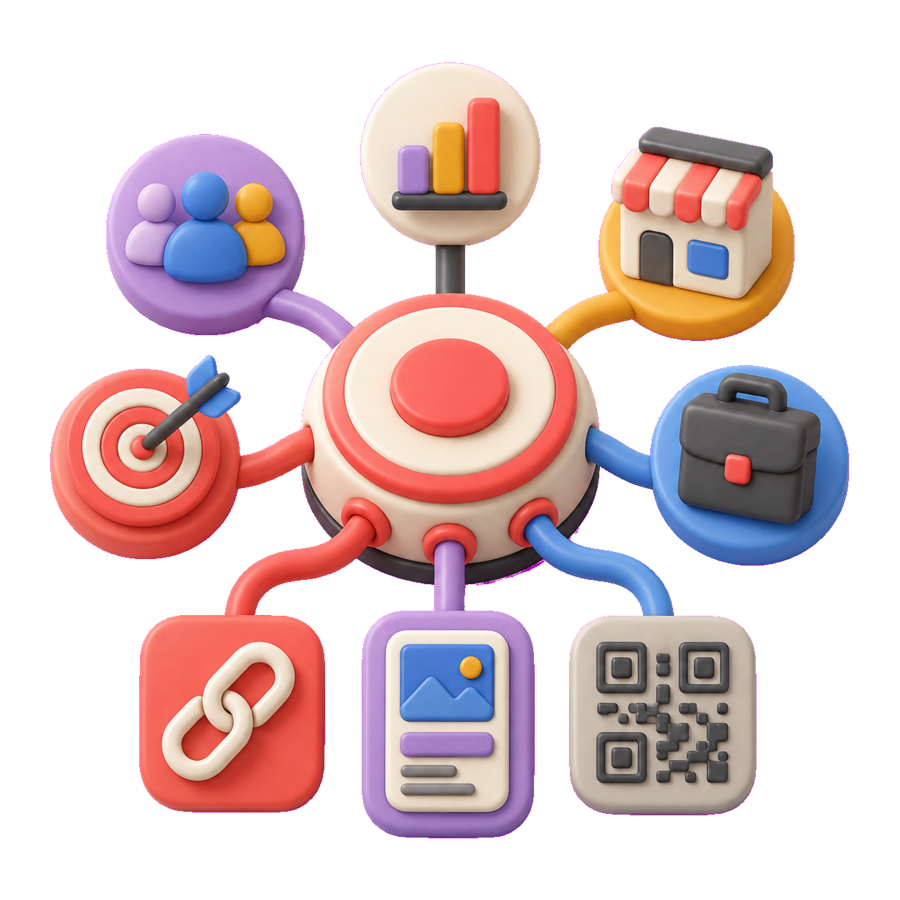
Match each path to one audience
Customers, partners, press, and internal teams may need different information. Create separate routes only when the destination or decision genuinely changes, and keep the public call to action specific.

Give customers, partners, and press a clear route to current launch information from every digital and physical channel.
Keep launch information easy to reach
Create channel-specific short links
Connect launch materials with QR codes
Review available traffic signals in one workflow
Product launches create many public entry points in a short period: teaser posts, announcement emails, partner toolkits, press materials, event screens, packaging, retail displays, and sales follow-up. When each asset uses a different unmanaged URL, visitors can reach stale information and launch teams lose a shared view of what was distributed. s.id helps organize those touchpoints around maintained short links, QR codes, microsites, and available link activity.
The right setup depends on how much context the audience needs. A short link works well when a product page, app listing, waitlist, or release note is already complete. A microsite can provide a focused launch narrative with a small number of prioritized destinations for customers, partners, or press. QR codes extend the same journey to event signage, packaging, direct mail, and in-store materials. A visible short URL beside the code gives the audience an accessible fallback.
Launch reporting should distinguish traffic from business outcomes. Available s.id analytics can help teams compare activity across distinct launch links. Activation, purchases, sign-ups, product usage, and revenue remain in the destination, product, commerce, CRM, or analytics systems that record those events. A consistent link taxonomy and documented destination owner make the handoff clearer and reduce the risk of keeping obsolete launch paths live.
Confirm the approved product page, release notes, waitlist, sales form, app listing, or launch microsite. Assign an owner and decide how long each destination should remain current.
Use a microsite when the launch needs a compact story or several prioritized resources. Use short links for direct paths to existing destinations and QR codes where customers encounter physical materials.
Create distinct links for meaningful launch placements such as email, social, partners, press, events, packaging, or retail. Keep aliases and internal names consistent so the team can recognize ownership.
Check destinations, availability, messaging, and available link activity throughout the launch window. Update or retire obsolete entry points as the product moves from announcement to general availability.
Treat launch links as managed product touchpoints with a clear owner, audience, and review date.
Customers, partners, press, and internal teams may need different information. Create separate routes only when the destination or decision genuinely changes, and keep the public call to action specific.
Decide whether teaser, waitlist, announcement, and availability links should stay live, change destination, or be retired. Record the owner and review date before distribution begins.
Verify links on mobile, preserve intended parameters, check QR contrast and scan distance, and confirm that press or partner assets use the approved version before release.
Use a short link when a complete destination already exists. Use a microsite when the audience needs a focused launch story or several carefully prioritized resources. The two can work together when each has a clear role.
Guide campaign traffic to the right offer, form, or contact path with microsites, short links, QR codes, and available visit signals.
Learn MoreSolutionsOrganize marketing campaigns with branded short links, QR codes, microsites, and available link analytics across channels.
Learn MoreSolutionsConnect packaging, signage, print, and events to maintained digital destinations with QR codes, short links, and available visit signals.
Learn MoreStart for free today and see how s.id can help your business grow.