
s.id Logo

Developer platform

Build on s.id.APIs, webhooks, and MCP.

Build link management, QR, microsite, and analytics workflows with API keys or OAuth 2.0—and connect compatible AI agents through the hosted MCP server.

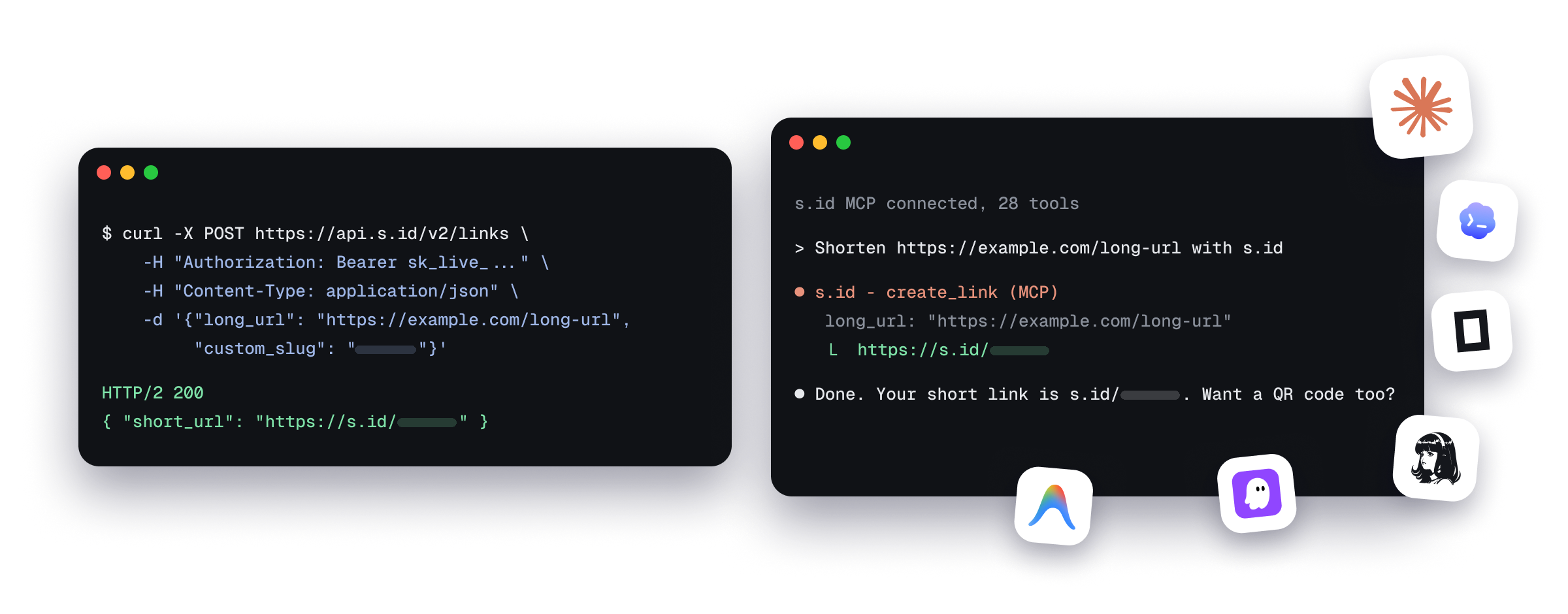
Example API request and MCP agent session
  • Scoped API keys
  • HMAC-signed webhooks
  • 28 hosted MCP tools

Choose the integration path that fits your product.

Public REST endpoints accept a scoped API key or OAuth 2.0 access token.

The default limit is 38 requests per minute per credential—per API key or OAuth access token. OAuth apps also have a combined ceiling of 500 requests per minute across their tokens.

Plan availability

Hosted MCP access is enabled by subscription tier. Check the Developer Dashboard for your account's current availability and usage.

One platform, four ways in.

Use the canonical OpenAPI specification for SDK generation and the developer guide for implementation context.

curl -X POST https://api.s.id/v2/links \
  -H "Authorization: Bearer sk_live_..." \
  -H "Content-Type: application/json" \
  -d '{"long_url": "https://example.com/long-url", "custom_slug": "[your-alias]"}'

REST API

Manage links, QR codes, microsites, analytics, and account data with a clean JSON API.
Authorization codeSingle-use; expires after 10 minutes
Access tokenExpires after 1 hour
Refresh tokenExpires after 30 days

OAuth 2.0

Use authorization code, PKCE, rotating refresh tokens, discovery, and revocation.

EVENTsha256=…
{
  "event": "link.created",
  "link": {
    "id": 123,
    "short": "[your-alias]",
    "short_url": "https://s.id/[your-alias]",
    "long_url": "https://example.com/long-url",
    "title": "My Link",
    "created": "2026-06-22T10:00:00Z"
  },
  "timestamp": "2026-06-22T10:00:00Z"
}

Webhooks

Receive real-time link, microsite, and QR events through HMAC-signed payloads.

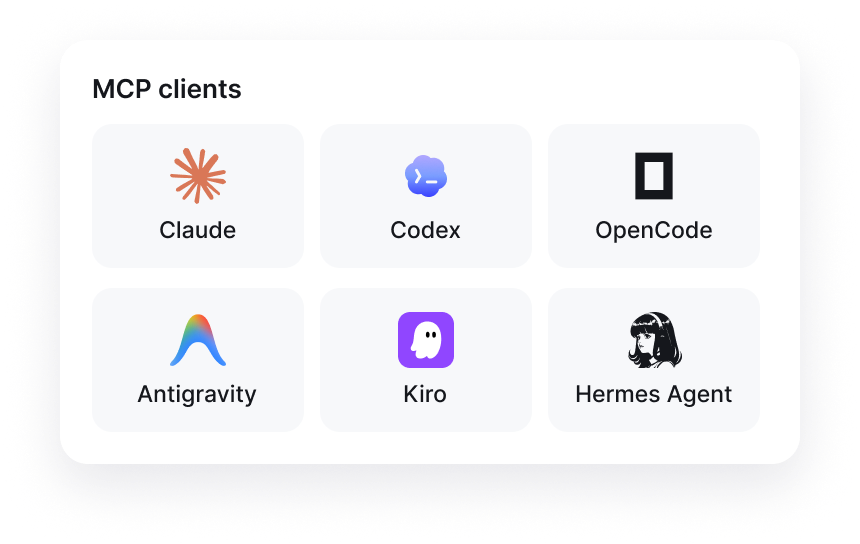
Supported MCP clients and the s.id tool list

mcp.s.id/mcp

Linkscreate_link
Micrositescreate_microsite
QRget_link_qr
Accountget_quota

MCP

Give compatible AI agents scoped access to 28 hosted tools for links, QR, and microsites.

Attempts3 (0, 5, 30 s)
Auto-disableAfter 5 failed events
Rate limit38 requests per minute

Retry and safety policy

Failed events receive up to three total attempts with delays of 0, 5, and 30 seconds. After five consecutive failed events, the webhook is automatically disabled.

Which method should you use?

Public /v2 operations accept either a scoped API key or an OAuth 2.0 access token. OAuth management operations use their own browser, session, or client-credential requirements.

  1. 01

    API key

    Best for your own backend, scheduled jobs, and private automations where the credential never reaches a browser or mobile client.

  2. 02

    OAuth 2.0

    Best for third-party apps that need user consent and granular, revocable access to an s.id account.

  3. 03

    MCP

    The hosted s.id MCP server exposes JSON-RPC tools through one endpoint. Clients can authenticate with the same API key or OAuth 2.0 access token used by the REST API and discover authorization metadata through RFC 9728.

Ship your first integration.

Credentials are scoped. Missing a required scope returns 403 insufficient_scope. Request only the permissions your integration needs.