Ask for one clear next step
Give the primary form, booking, demo, or contact action visual priority. Secondary resources can support the decision, but they should not compete with the campaign's main purpose.

Give prospects a focused path from ads, email, social, events, and print to the form or contact destination your team already trusts.
Create a focused path to each offer
Use distinct short links for meaningful channels
Connect offline placements with QR codes
Compare available visit signals before optimizing
Lead-generation campaigns lose clarity when every ad, email, social post, partner placement, and event sign points to a different or outdated destination. A prospect should understand the offer, recognize the next action, and reach the right form or contact path without unnecessary detours. s.id helps campaign teams organize those entry points with short links, QR codes, and lightweight microsites while leaving lead capture and qualification in the systems designed to manage them.
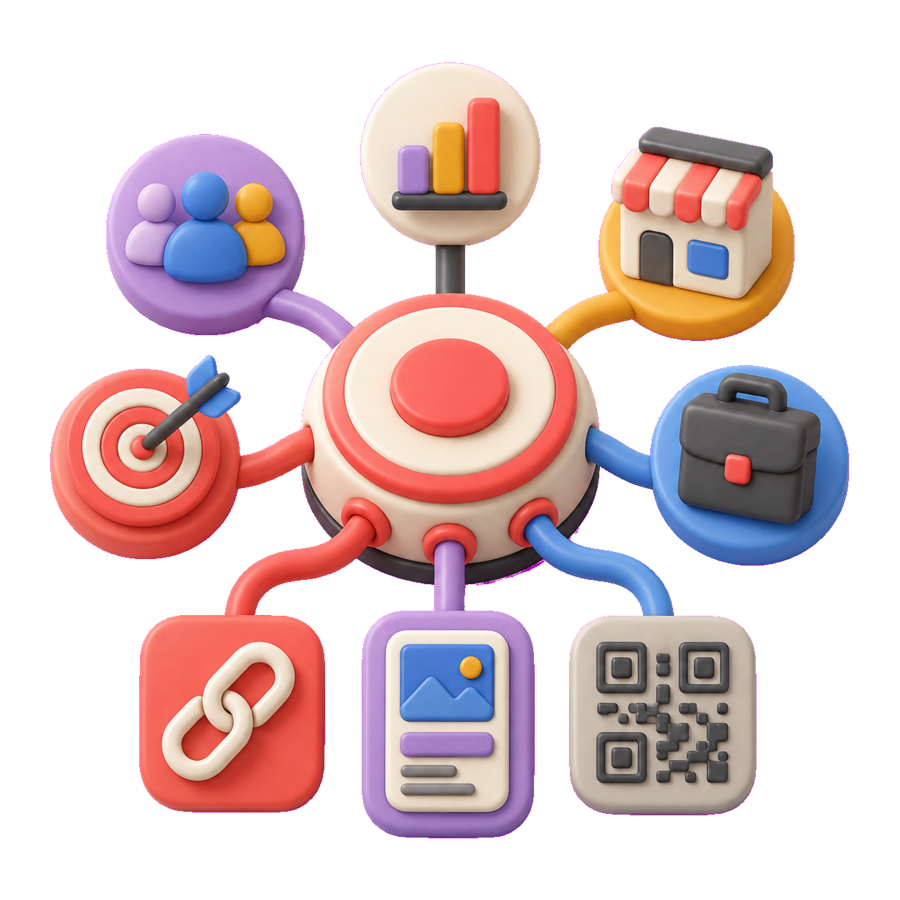
Start with the destination rather than the link. If the existing form or booking page provides enough context, use a concise short link for distribution. If prospects need an explanation, proof points, eligibility details, or several carefully prioritized options, place that context on a campaign microsite and lead with one primary action. For offline placements, a QR code can open the same journey, while a readable short URL provides a useful fallback for people who cannot or prefer not to scan.
Measurement should combine two different views. s.id can show the available visit signals for the links used in the campaign. Your form, CRM, scheduling, commerce, or destination analytics system remains the source for submissions, consent, lead quality, opportunities, and revenue. Naming links by channel and keeping campaign parameters consistent makes those records easier to compare without treating clicks as proof of qualified demand.
Choose one primary audience, value proposition, and destination for the campaign. Confirm that the form, booking page, contact route, or other conversion system is current, mobile-friendly, and owned by the right team.
Use an s.id microsite when prospects need context before acting, or create a short link when the destination already explains the offer clearly. Keep the promise in the message consistent with the destination.
Create distinct links or QR entry points for the channels and placements your team needs to compare. Use a predictable naming convention so campaign owners can identify each path later.
Review available link activity in s.id, then compare it with submissions, qualified leads, meetings, or pipeline outcomes in the form, CRM, scheduling, or analytics system that records them.
Design the journey around visitor clarity and a clean handoff to the system that owns the lead record.
Give the primary form, booking, demo, or contact action visual priority. Secondary resources can support the decision, but they should not compete with the campaign's main purpose.
Use distinct, consistently named links only where the comparison will inform a decision. Avoid producing unnecessary variants that make ownership and reporting harder to maintain.
Explain what happens after the click, collect consent where required, minimize requested information, and verify that the destination's privacy, accessibility, and security controls fit the audience.
No. Use s.id to create and organize the path to the form, booking page, contact destination, or campaign experience you choose. The destination system should continue to own submissions, consent, lead records, qualification, and follow-up.
Organize marketing campaigns with branded short links, QR codes, microsites, and available link analytics across channels.
Learn MoreSolutionsConnect packaging, signage, print, and events to maintained digital destinations with QR codes, short links, and available visit signals.
Learn MoreSolutionsCreate event information pages, short registration links, and QR entry points to the event systems you already use.
Learn MoreStart for free today and see how s.id can help your business grow.