
By device
Match iOS, Android, desktop, or mobile visitors from their browser's user agent. The classic use: one link that opens the App Store on iPhone and Google Play on Android.
iOS · Android · Desktop · Mobile
Route visitors by device, country, browser language, or time, without replacing the link you already shared.
Smart Redirect is included with Growth and Scale. Retargeting Pixel is included with Scale.
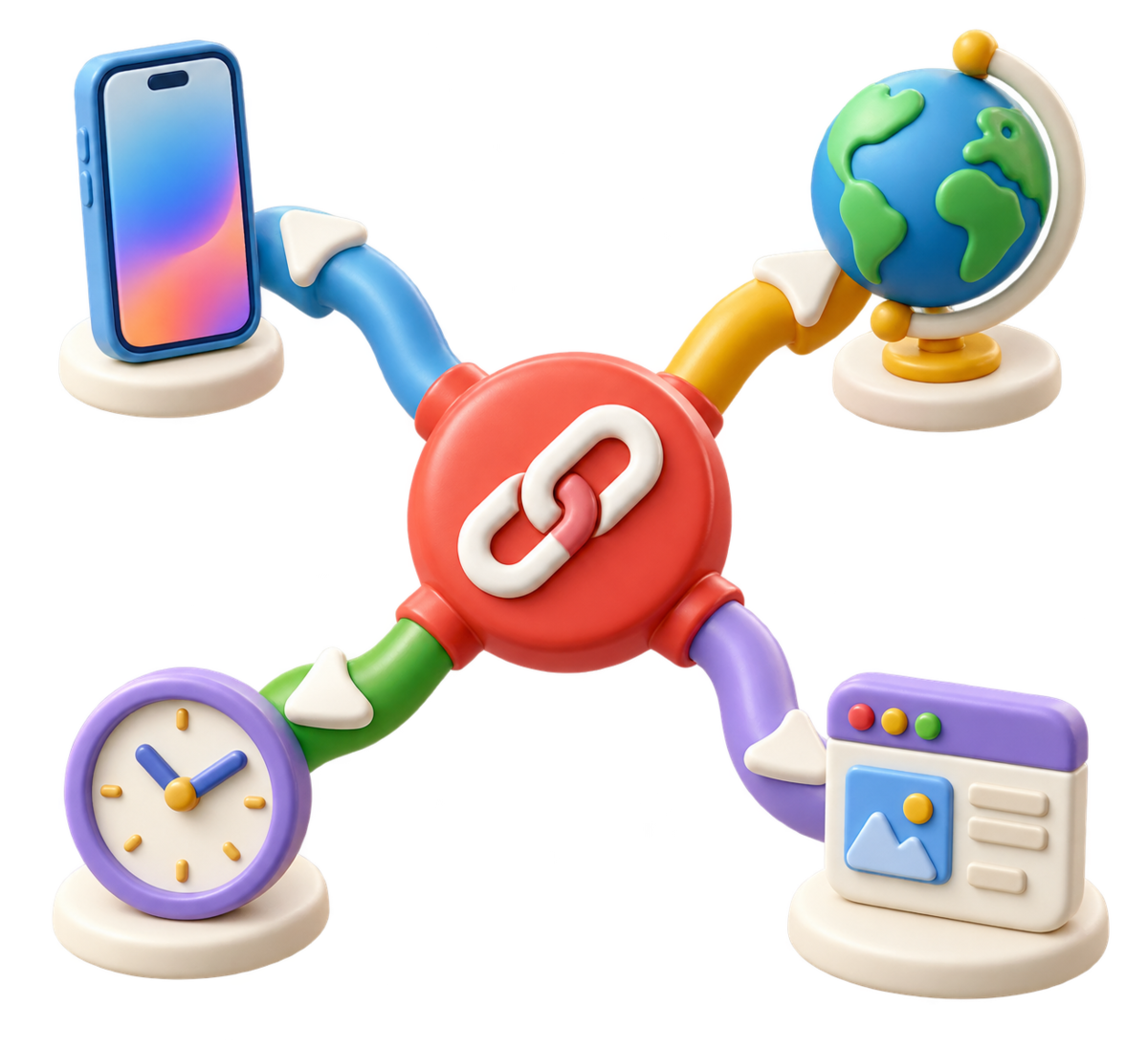
Order rules from most specific to broadest. s.id uses the first enabled match and keeps your default destination as the fallback.
Open any link in your dashboard and add a rule. Pick any mix of device, country, browser language, and a time window, then choose the destination that rule should send visitors to.
Drag rules into the priority you want. Order matters, because s.id checks them from top to bottom.
When someone opens your link, s.id walks the enabled rules in order and stops at the first one that matches the visitor. That rule's destination is where they go.
If no rule matches, the link falls back to its default destination, exactly as it behaved before you added any rules.
Use one condition on its own, or combine several in a single rule, every condition you set has to match before that rule applies.
Match iOS, Android, desktop, or mobile visitors from their browser's user agent. The classic use: one link that opens the App Store on iPhone and Google Play on Android.
iOS · Android · Desktop · MobileMatch the visitor's country and send them to the right regional site, store, or price list. Country comes from the geolocation lookup already running on every s.id redirect.
ISO country codesMatch the language the visitor's browser asks for and send them to the page written in it. This reads the browser's own language preference, which is separate from where the visitor is, useful when the language someone reads matters more than the country they're in.
Browser language codesGive a rule a start time, an end time, or both. Outside that window the rule simply doesn't match, and the visitor continues to your default destination.
Absolute start / end timesRule limits depend on your plan. Compare Growth and Scale for current limits. Compare Growth and Scale
Use one durable link across ads, launches, QR codes, email, and product journeys—then tailor the destination to each visitor.
Print one QR code. iPhone visitors land in the App Store, Android visitors in Google Play, and anyone on a laptop sees your product page instead of a dead-end 'open this on your phone' screen.
Send US visitors to your US storefront, UK visitors to local pricing, and everyone else to a worldwide page—without publishing separate links.
Set a time window so a link sends visitors to your launch page during the campaign, then quietly falls back to your evergreen page when the window closes, without you republishing anything.
Because the short link never changes, the QR code you printed and the link in your bio keep working. You change where it points, not what you shared.
Advanced tracking
Fire Meta Pixel, Google Analytics, or TikTok Pixel when a visitor passes through a link, configured per link, not site-wide.
Included with Scale
Pixels are off until you turn them on, and they're set per link, so a campaign link can be tracked while the rest of your links stay untouched. Once a link has pixel tracking enabled, the pixels you configured load for every visitor who opens it, so make sure the tracking you add matches the disclosures and consent your own audience requires.
Links with a pixel show a brief branded interstitial before continuing. It includes a plain destination link, so a visitor with JavaScript disabled can still get where they were going.
Pixels are off by default and configured per link. You are responsible for disclosures and consent required for your audience and markets.
Know how matching works before launch, and keep a default destination ready for every visitor.
A time rule is an absolute start and end instant. It can't yet repeat, there's no 'every weekday from 9 to 5'. For a recurring pattern you'd set a new window each cycle.
Country comes from the IP geolocation database on the redirect path. Coverage and accuracy follow that database, so treat country rules as a strong signal rather than a guarantee, and keep a sensible default destination behind them.
A language rule reads the visitor's browser preference. A visitor in the United States using a Spanish-language browser can match a Spanish rule; use country rules when location is what matters.
Smart Redirect is included with Growth and Scale, while Retargeting Pixel is included with Scale. Entitlement is checked when a link opens; without access, the default destination still works.
Turning on pixel tracking means the link shows a short interstitial so the pixels can load, instead of redirecting straight away. Leave the pixel off on links where the fastest possible hop matters more than the tracking.
The one higher in your list wins. s.id checks enabled rules from top to bottom and stops at the first match, so if you have a broad rule and a narrow one, put the narrow one above it.
Create your link once, prioritize its routing rules, and keep a reliable default destination for everyone else.
Start with one link. Upgrade to Growth when you are ready to add Smart Redirect rules.