Can one microsite contain resources for several sessions?
Yes, as long as the component count remains within your plan quota. Organize materials by topic so students can find them easily.

Share resources, references, announcements, and assignment links through one page. Students can open it through a URL or QR Code.
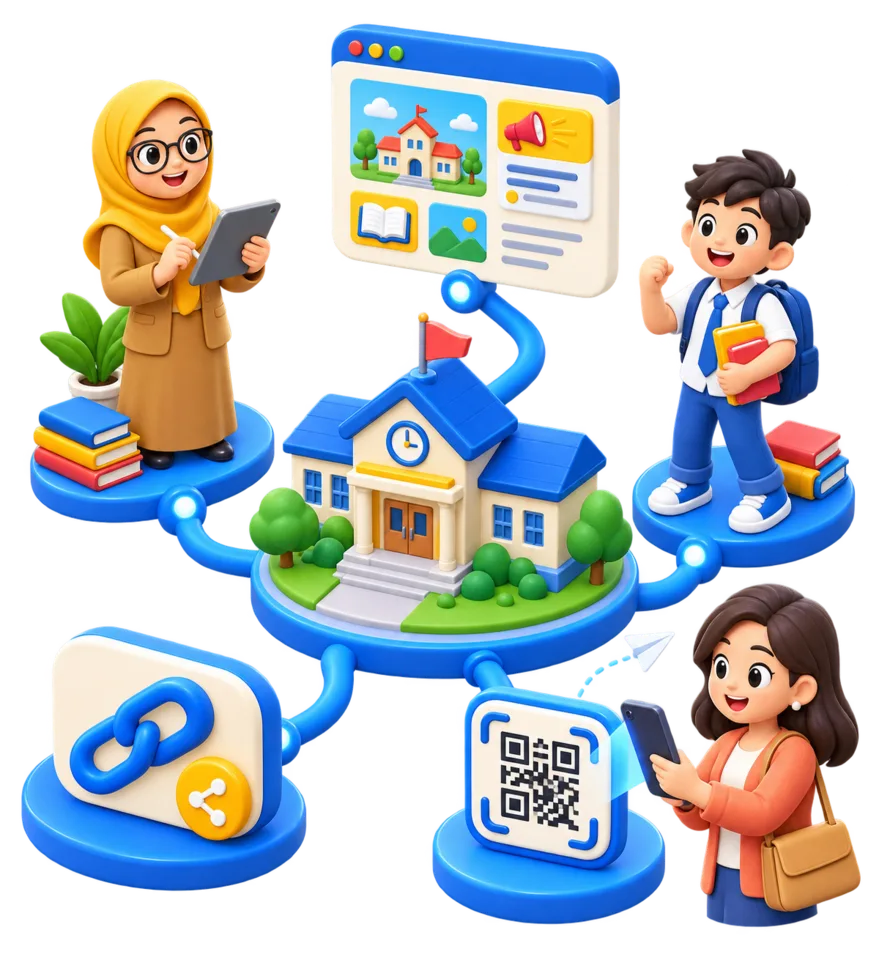
Resources in one place
URL and QR Code
File permissions follow source service
Quotas follow the plan
One page for resources and announcements
Update content without changing the link
Share through a URL or QR Code
Document access follows the source service
Syllabus and references
Assignment links
Consultation schedule
Class announcements
Group resources, assignments, references, and announcements by class or course.
Add the necessary components and use a title students can easily recognize.
Make sure files in Drive or other services are available to the intended class participants.
Share the URL or QR Code, then add new resources without replacing the link.
Yes, as long as the component count remains within your plan quota. Organize materials by topic so students can find them easily.
The microsite can link to a storage service or content platform. File storage and access permissions follow the source service.
Continue with a guide that best matches your next task.
Microsite
Collect links to lessons, videos, presentations, and assignments in one microsite that is easy to update and share with students.
Read GuideMicrosite
Follow the steps to create a no-code microsite for coursework, presentations, or a student portfolio using s.id.
Read GuideShortener
Shorten a repository URL for a thesis, journal article, or academic work so it is easy to share in presentations, posters, and QR Codes.
Read GuideTry the Free plan to create your first page or link. Quotas and advanced features depend on the plan you choose.
Sign Up and Try Free