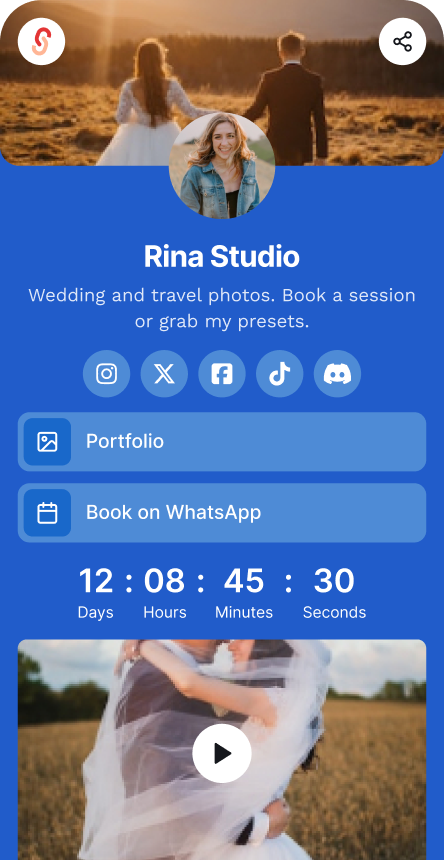
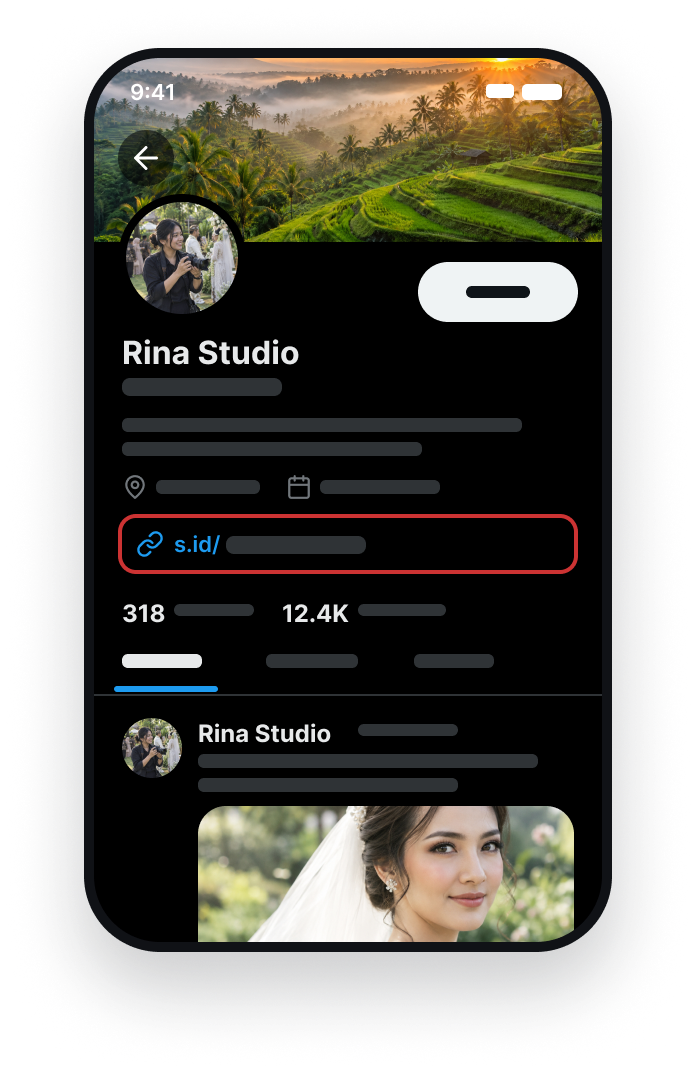
Link: Latest video
Link: Online shop
Link: WhatsApp
Link: Portfolio
Update anytime
Add, remove, or change link destinations without changing the bio link URL you already shared.

Bio link
Share content, online shops, WhatsApp, and social media from one page you can update any time.

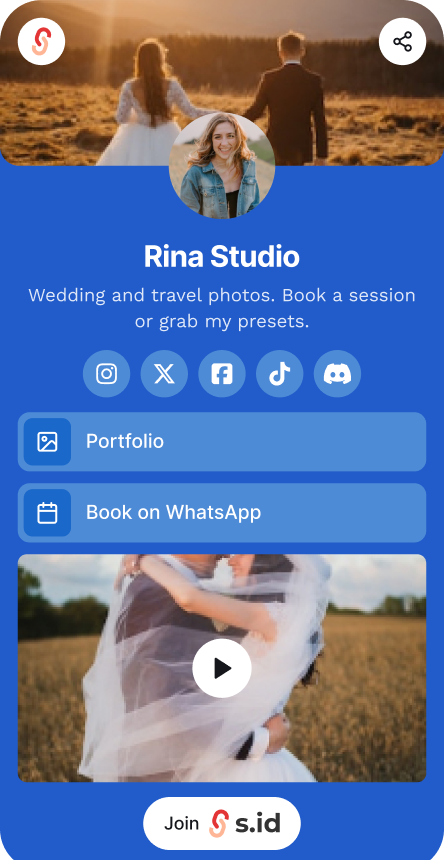
A bio link is one page that brings together the important destinations from your profile. Your audience opens one URL to find your content, store, WhatsApp, portfolio, or other channels.
With s.id, you can build a bio link page without coding, use a concise URL such as s.id/[yourname], and update its content without replacing the link you have already shared.
Comparing s.id and Linktree?
s.id brings bio links, link shortener, QR Code, analytics, and digital shop together in one account. Compare features and plans with Linktree before you choose.
Add, reorder, and hide links in the editor while you see the page your audience sees.
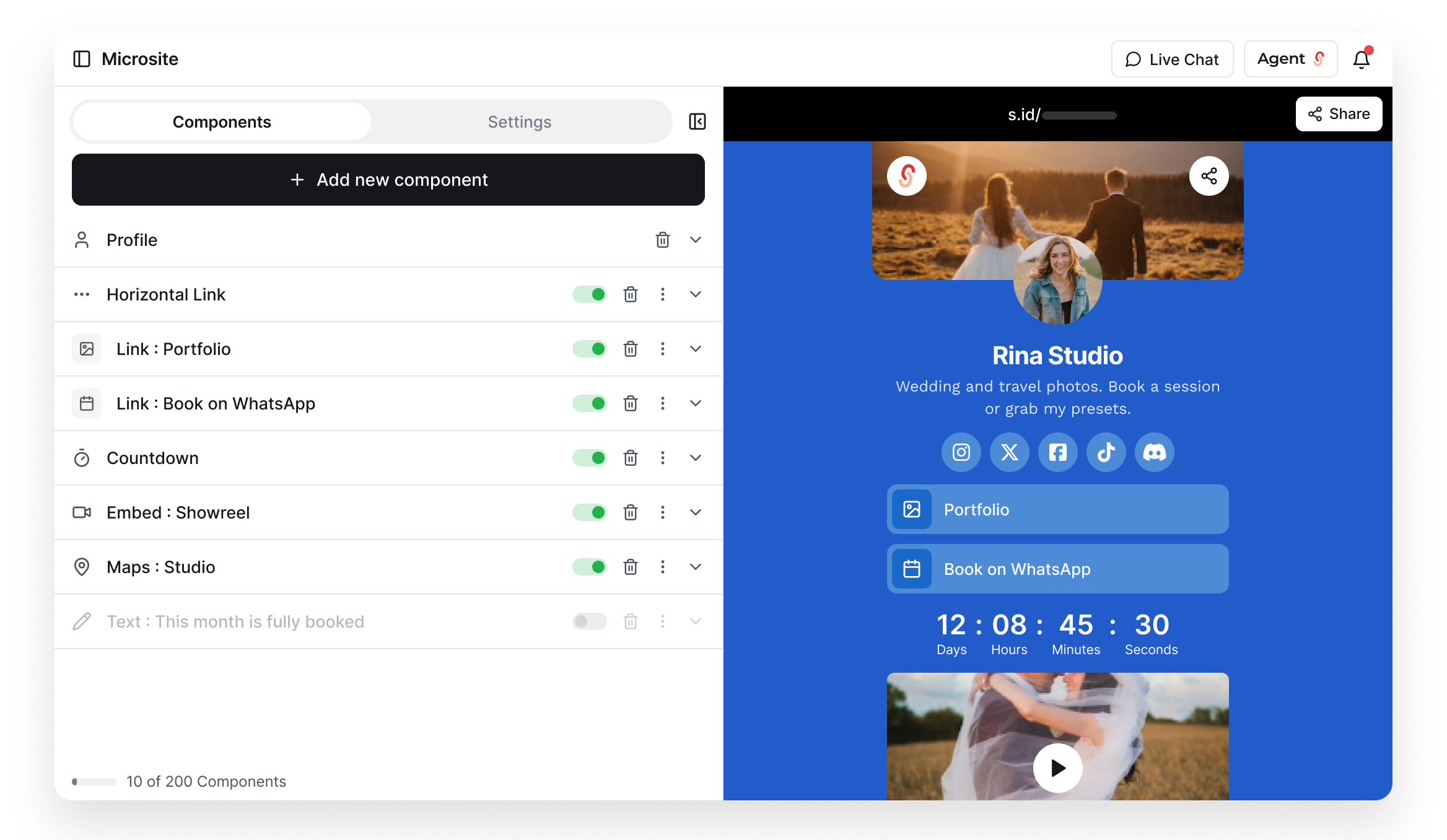
Bio links are built with the s.id Microsite builder. Pick the Bio Link template inside it.
Add, remove, or change link destinations without changing the bio link URL you already shared.
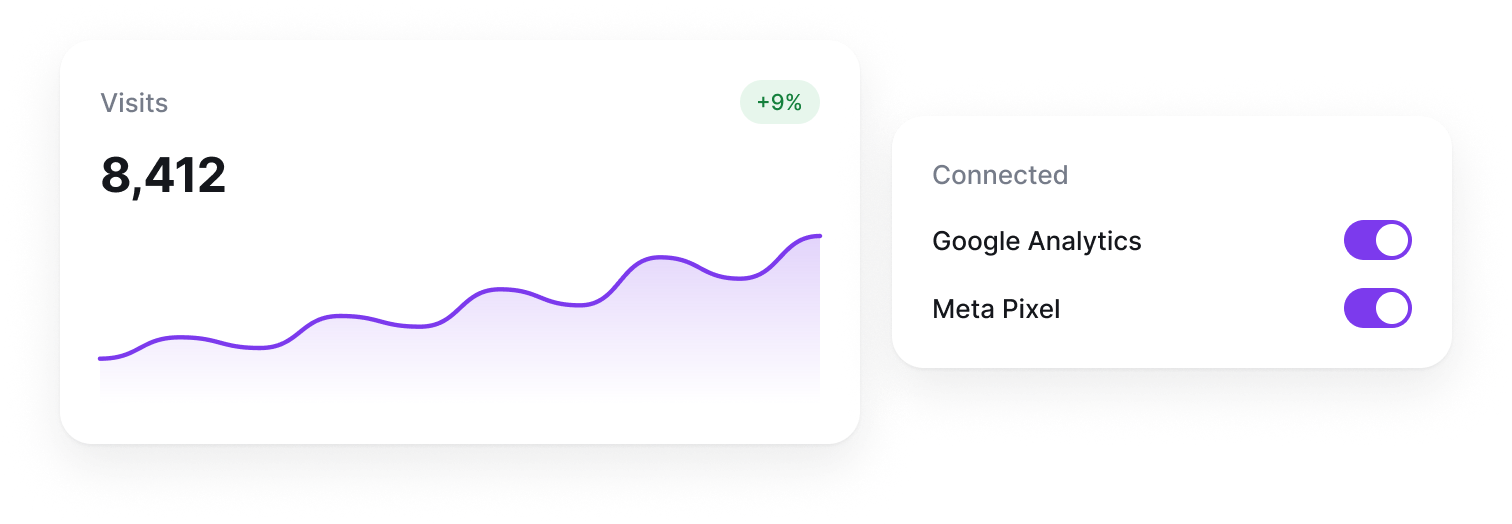
Track visits and performance data available for your product and plan, without showing who your visitors are.
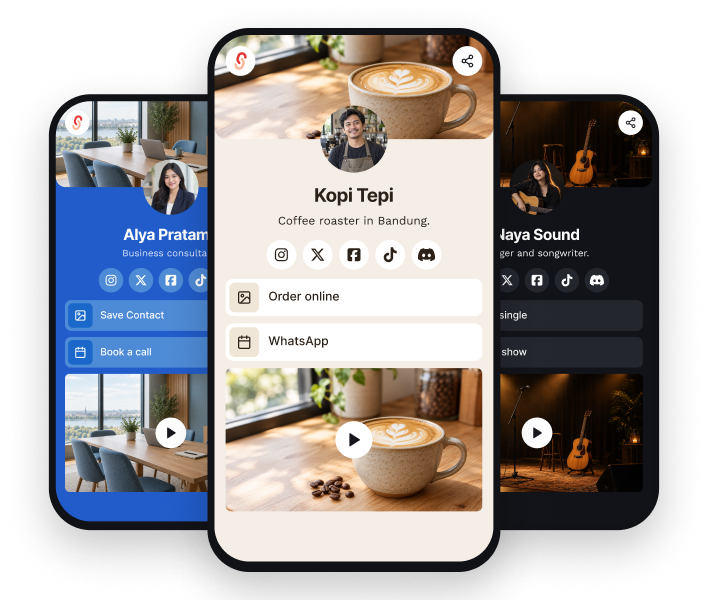
Set the theme, colors, fonts, and components available so the page matches your identity.
The Free plan can be used with no time limit. Quota and features follow the plan you use.
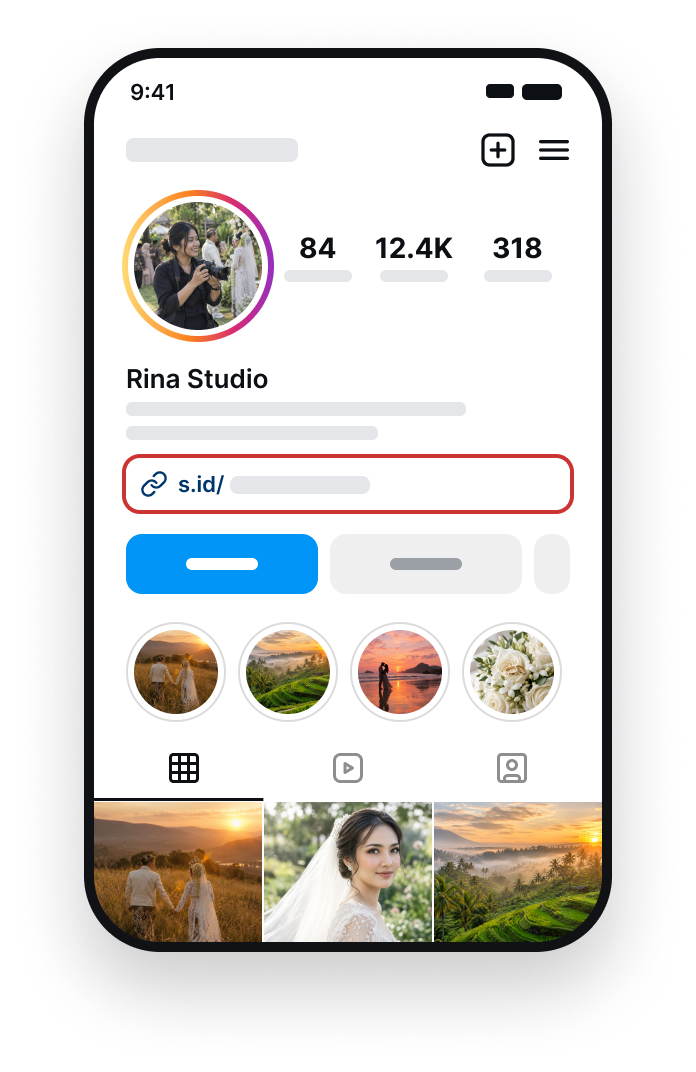
01 / 04 · Instagram
Send followers to posts, your shop, and WhatsApp from one Instagram bio.

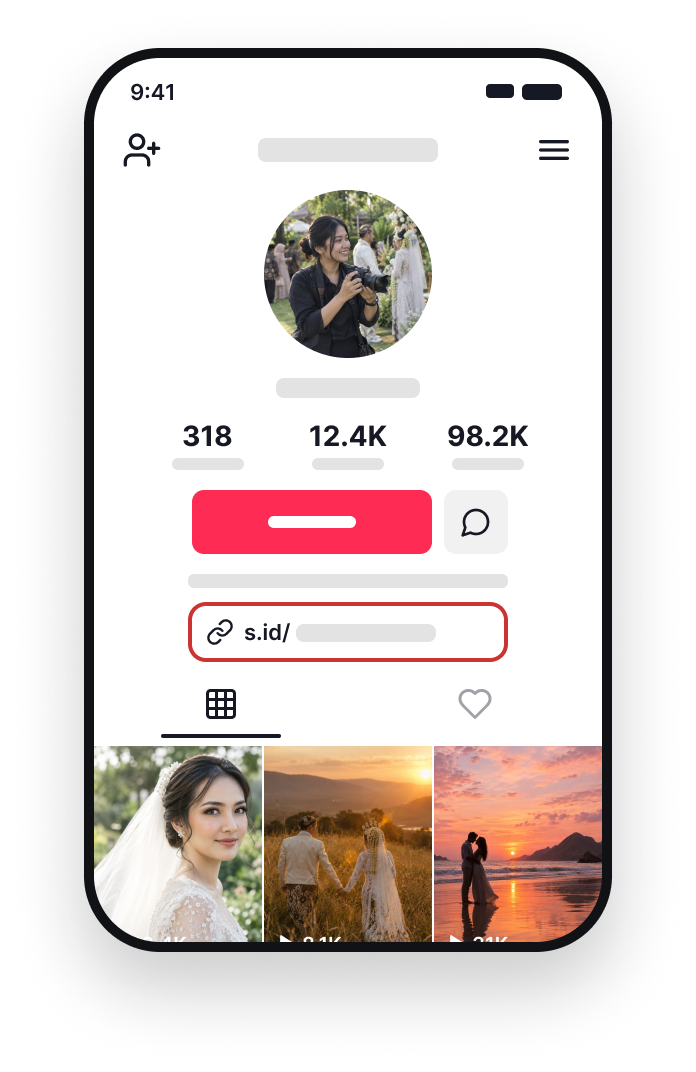
02 / 04 · TikTok
Bring videos, products, and social media together so viewers know where to go.

03 / 04 · YouTube
Use one link in your description for your channel, community, and products.

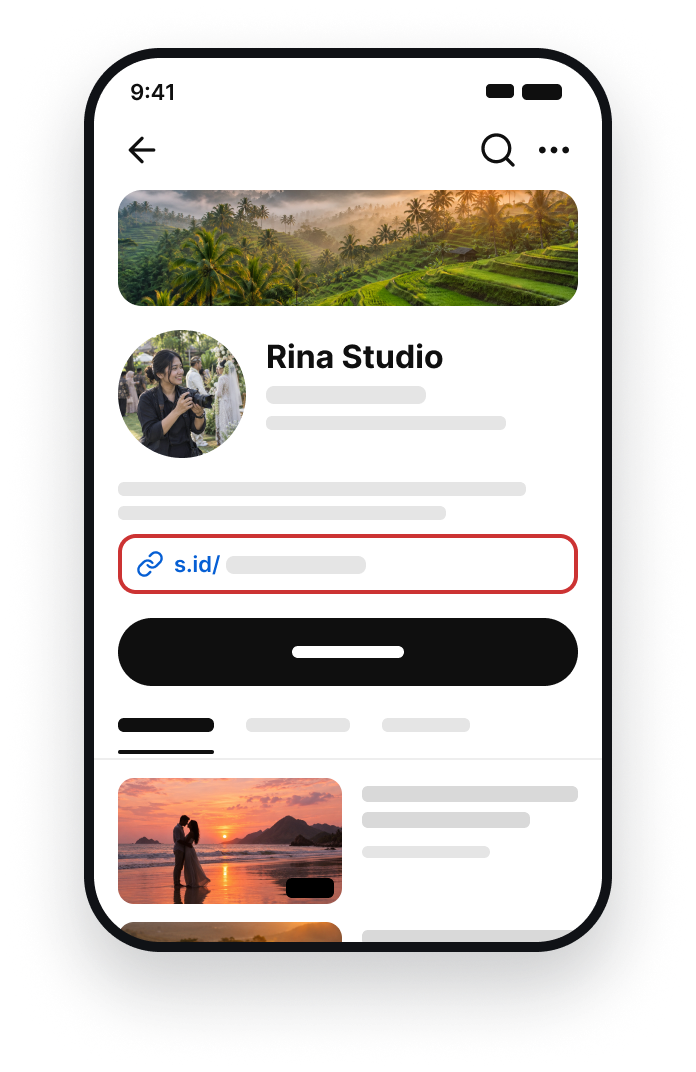
04 / 04 · X (Twitter)
Swap what matters this week without changing the link in your profile.

Build it with the Microsite builder, then share one URL.
Sign up with email or Google, then open the s.id dashboard.
Add links, content, shop, contact, and other components your audience needs.
Copy your s.id URL and add it to Instagram, TikTok, YouTube, X, or other channels.
Still unsure? Ask our team at helpdesk@s.id.
Start with the Free plan. Quota and features follow your plan.